
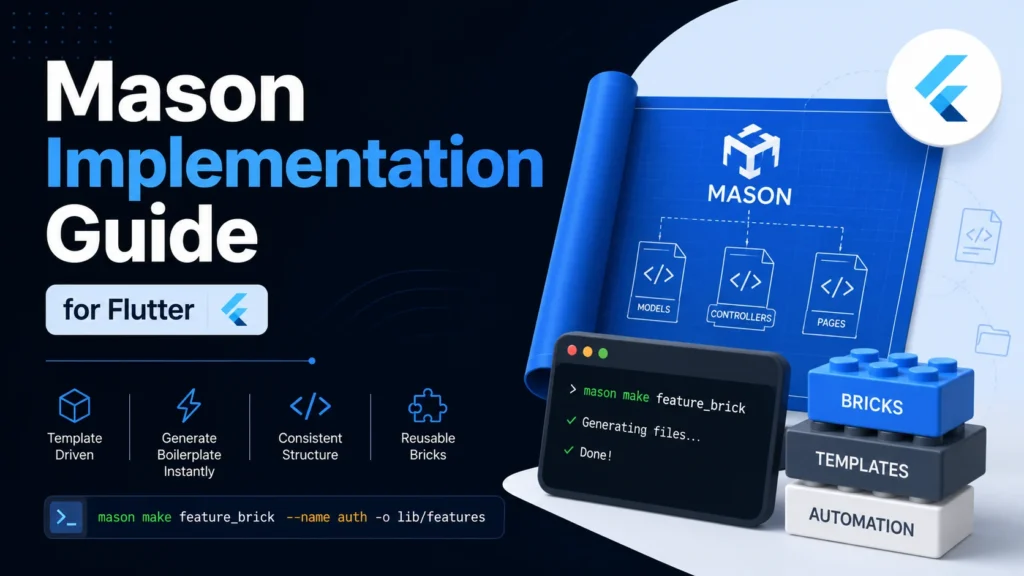
Mason is a powerful template generator CLI for Dart and Flutter. It allows developers to create custom code templates, known as Bricks, to instantly generate boilerplate code while maintaining consistent styling.
1. Prerequisites & Installation
Ensure you have the Dart or Flutter SDK installed. Activate the Mason CLI globally:
Shell
dart pub global activate mason_cli
*Note: If the command is not found, ensure the Dart binary directory is in your system PATH or run via dart pub global run mason_cli:mason.*
2. Initializing Mason
Navigate to your project root and run:
Shell
mason init
This generates:
- mason.yaml: For brick registration and configuration.
- .mason/: Internal folder for cached metadata.
3. Directory Structure
A typical Mason template structure looks like this:
None
my_flutter_project/
├── .mason/ # Internals (gitignored)
├── mason.yaml # Global brick registration
├── analysis_options.yaml # Flutter lint configuration
└── my_brick/ # Your custom brick directory
    ├── brick.yaml # Brick metadata & variable definitions
    ├── LICENSE
    ├── README.md
    └── __brick__/ # The template code folder
        └── {{name.snakeCase()}}/ # Templated directory name
            └── controllers/
                └── {{name.snakeCase()}}_controller.dart # Templated file
For example, the content of {{name.snakeCase()}}_controller.dart would look like this:
None
import 'package:get/get.dart';

class {{name.pascalCase()}}Controller extends GetxController {
  // Add your logic for {{name.pascalCase()}} here
}
4. Creating and Customizing a Brick
Create a new brick structure:
Shell
mason new feature_brick
Define your variables in feature_brick/brick.yaml:
None
vars:
  name:
    type: string
    description: The name of the feature
    default: my_feature
    prompt: What is the name of the feature?
Use Mustache syntax in your templates (located inside _brick_/):
- {{name.camelCase()}} → myFeatureName
- {{name.pascalCase()}} → MyFeatureName
- {{name.snakeCase()}} → my_feature_name
5. Registering & Installing Bricks
Register the brick in your project’s mason.yaml:
None
bricks:
  feature_brick:
    path: feature_brick
Download and register the bricks:
Shell
mason get
6. Generating Code
Generate files using the make command:
Interactive Prompt:
Shell
mason make feature_brick
Inline Variables:
Shell
mason make feature_brick --name auth
Output to Specific Directory:
Shell
mason make feature_brick --name auth -o lib/features
7. Pro-Tip: Preventing IDE Analysis Errors
To prevent the Dart analyzer from flagging Mustache syntax as errors, update your analysis_options.yaml:
None
analyzer:
  exclude:
    - "feature_brick/**"